Category Game Design
grepr - 7DFPS 2014
I survived 7DFPS, barely. Here are some fascinating statistics:
- Days to create an FPS: 7
- Hours spent: 93
- Levels built: 5
- Lines of code written: 2313
- Hours to spare before deadline: 2
- Functioning brain cells remaining: approximately 4
I'm happy with the result, though. Jack did a great job on the audio as usual, although at the last minute I had to throw in some clunky placeholder sfxr sounds. Blame me for those! Maybe we'll replace them later.
7dfps work in progress
I'm participating in 7dfps this year, which means I'm making an FPS game in 7 days. Here's what I've got so far:
In Soviet Russia, you are bullet.
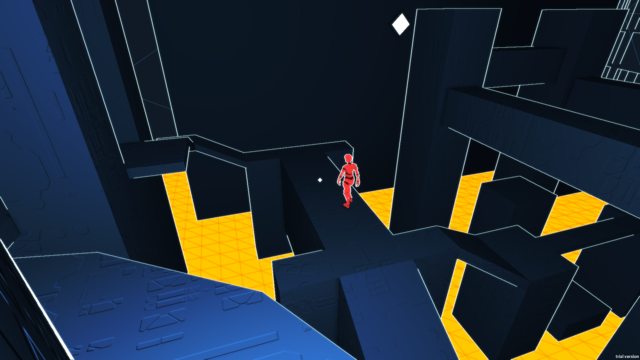 In my 7dfps entry, moving and shooting are the same thing.
Here's my favorite form of humor: physics glitches.
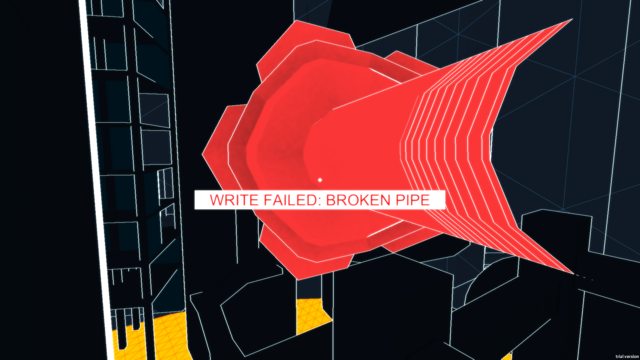
Here's me getting killed:
 Here's a better shot of the city:
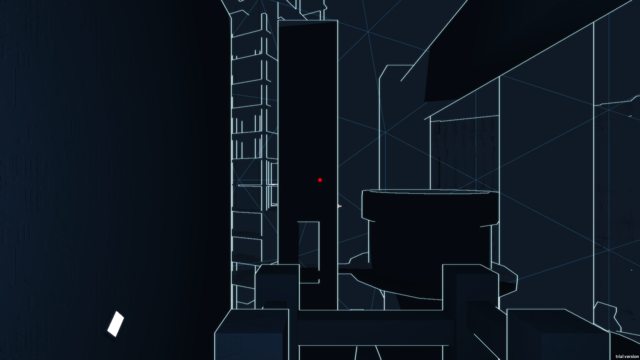 Lots to do still.
Screenshot Saturday 190
Well friends, Lemma is still on pause while I do some contract work. I also have only a few slides done for my shader presentation next week. This whole month is crazy. But I thought I'd hijack this dev blog to show you the game I'm working on, because it's starting to look kinda cool!
It's a top-down iOS survival shooter designed as a sort of franchise tie-in. The budget is pretty low so most of the assets are pulled from the Unity asset store. I've only done a few models myself, mostly just weapons.
The Poor Man's Gameplay Analytics
You don't want to take time away from your awesome game to write boring analytics code. So you either call up some friends, hire playtesters, integrate some 3rd party SDK (ugh), or just do without.
WRONG. You roll your own solution. Here's why.
Why you don't do without
The OODA loop models the way human individuals and groups operate. It goes like this:
- Observe the situation
- Orient your observations in the context of goals, past experience, etc.
- Decide what to do
- Act on your decision
- Repeat!
After the initial act of creation, game developers operate under the same principle. You play the game and observe it, orient that data in the context of your goals, decide what to do, open your IDE, and put your plan in action. Rinse and repeat.
Slowmo! Stamina! Sprint! Socialism! What?
Stamina and Sprint
I finally realized that speed is perhaps the most important resource in a Parkour game. Up until now, Lemma hasn't really understood the concept of "faster" and "slower"; you were always going the same speed. Acceleration from a dead stop was almost instantaneous and the Parkour moves didn't change your speed (with the exception of wall-running).
With this in mind, I decreased the acceleration a lot and made all the moves preserve your momentum. To make a longer jump, you'll need a running start. I also put in some simple combos. For example, doing a roll immediately followed by a jump lets you jump a lot farther.
Global Game Jam 2012 Liveblog
Update: Snakes in a Tower is complete! Downloads with source available for Mac and PC.
Friday 4:59pm
This is my first Global Game Jam. Super excited. So I'm going to liveblog it. I'll be working on a MacBook, so I decided to port the essentials of my XNA component entity system over to MonoGame. Here's what I got so far!
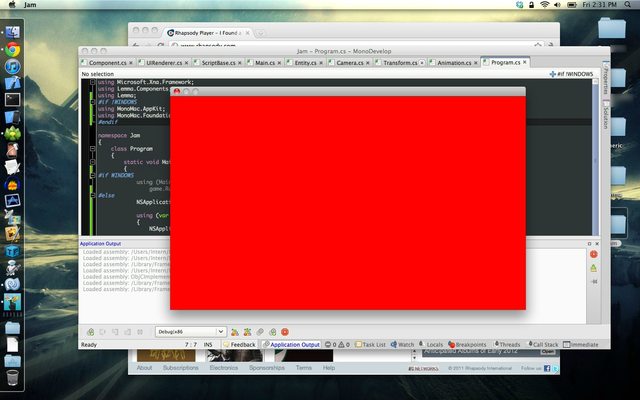
Breathtaking, I know.
Saturday 12:20am
Opening meeting was awesome. Heard some fantastic keynotes from fantastic people. We got to hear some great insight from Ian Schreiber before starting (I'm at the Ohio State jam). The theme has been given to everyone by now, so I'll go ahead and say that the theme is this:
Digital art, Facebook 3D Graph Explorer, and more Project Lemma
My last two posts focused on general game development topics, but no longer. It's the end of the year, time to look back and review before looking forward to the new year!
Digital Art
First off, some fun diversions. In my pursuit of an art minor at Ohio State, I took a digital art class autumn quarter. The instructor let me use software I was already familiar with, so I didn't learn much. But the class gave me the motivation to plonck my butt down and make some art, which is all I really wanted.
Tools are everything
You've probably heard the whole "don't make engines, make games" shtick. As I progress I am learning another important lesson: tools are the most important aspect of any project, game or engine. Whether you're rolling a custom engine or shopping around for middleware, tools should be absolutely top priority. Seriously.
The question should not be "how many shiny graphics techniques can I incorporate?". It should be "how easy is it to create content for this game?". Content is the center of every game, whether that content is an AI algorithm, a map layout, or an art asset. If the content pipeline is even a little inefficient, it will prevent you from making the game you want to, whether you realize it or not. If you have to jump through hoops to create a new level or script a story sequence, you're going to put it off and focus instead on adding another feature that provides tangible results, like a new lighting technique. Problem is, those features don't make the game. Content does.
Game dev job, Macs, and re-focusing my project
Apologies for the lack of Parkour Ninja updates. I do have fresh info about it somewhere in this post. But first! A list of potentially interesting goings-on of late:
- School's out for summer! And I'm one year closer to a Computer Science & Engineering undergrad degree from Ohio State. I'll graduate in about a year and a half, right around my 21st birthday actually. I haven't the foggiest idea what to do after that. I'm looking at grad school, but I've heard it's not as important for CS people.
- I got a job making iPhone games! I'm working for a small studio in Columbus with three other interns. The original plan was to have the four of us collaborate on a single game, but now they've given us each a separate project (at various stages of development) to work on. I wish they had kept us together because a) I doubt we'll finish all the games now, and b) I need experience collaborating on a game instead of my usual lone wolf habits; I was hoping this job would put me out of my comfort zone a little. On the other hand, where else would I got almost full control over every aspect of a professional title? That's pretty cool.
- On a random note, I'm getting into shooting this summer. After a few more weeks of saving up I plan to buy an assault rifle (still researching what to buy there) but until then my buddy is lending me his AR-15 for the summer. :)
Parkour Ninja Alpha 1
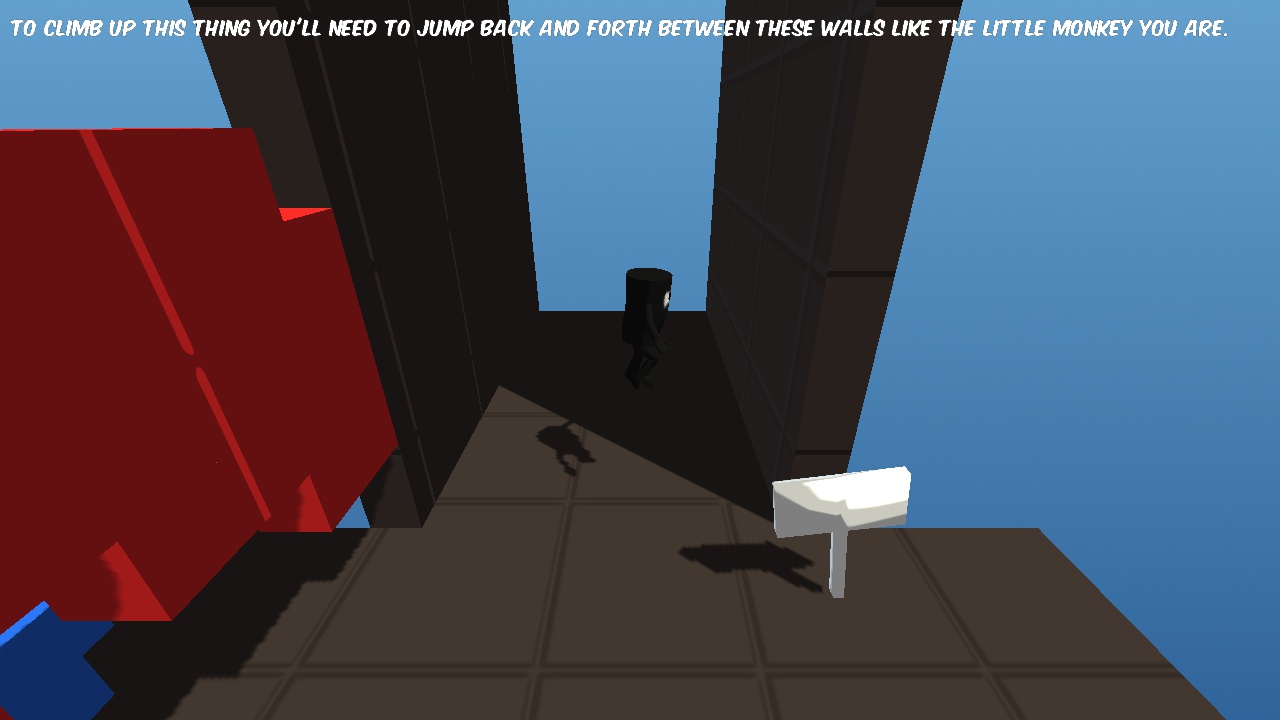
It's here, and it needs lots of play-testing! Please help me out and play it. You'll need a Windows machine with a Shader Model 3.0 graphics card.
I'm anticipating some technical issues with this release (it is an alpha after all), so if you run the game and no window appears and the process dies, please do the following:
- Run the game in administrator mode.
- In the game installation folder (C:\Program Files (x86)\Parkour Ninja\) open the file "Lemma.log" in Notepad, copy the contents, and send it to me! I need bug reports :)